Early access has started · Full release early 2027

One PC. Everyone gets a seat.

Add a screen and a keyboard or controller. Hydra Multi-Seat gives each person their own Windows desktop, so everyone does their own thing at the same time, on one PC.

  • No second PC
  • Two, three or more people
  • For Windows PCs
The Hydra PC: one computer growing a screen on a ribbon neck for each person (purple, green and teal), and two small ones above: a plus for one more, and another game.
Watch

See it in action

How it works

Set up in three steps

No second PC, nothing to stream: every screen and every keyboard plugs into the PC you already have.
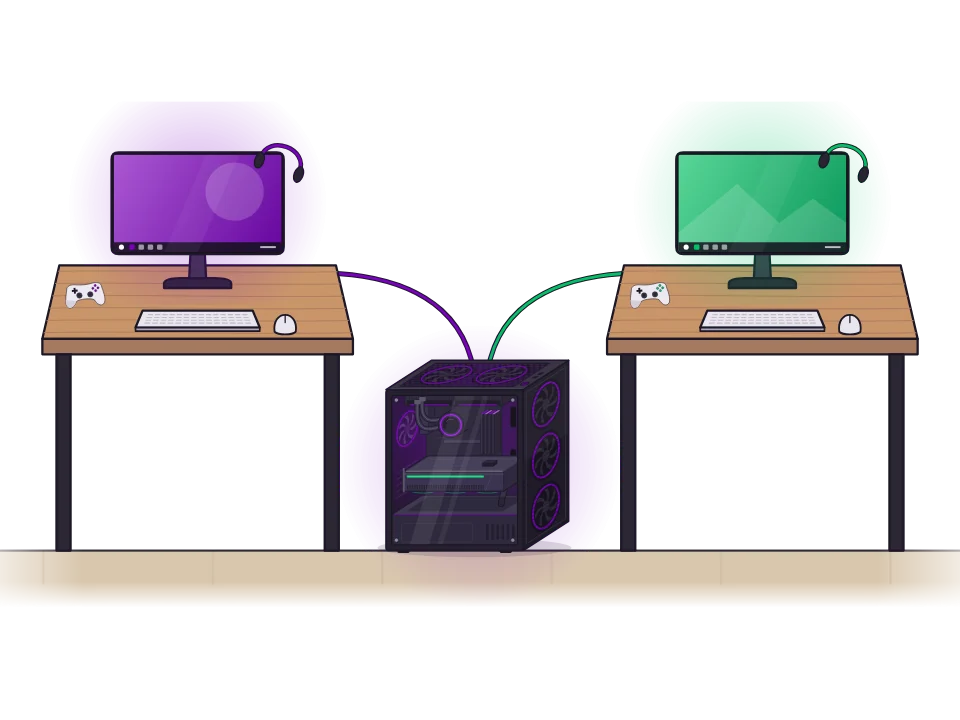
  1. Two desks, each with its own monitor, keyboard, mouse, controller and headset, cabled to one PC on the floor between them.

    Plug in a screen for each person

    Connect a monitor for each person, or split a 32:9 super-ultrawide down the middle. Add a keyboard and mouse or a controller, and a headset.
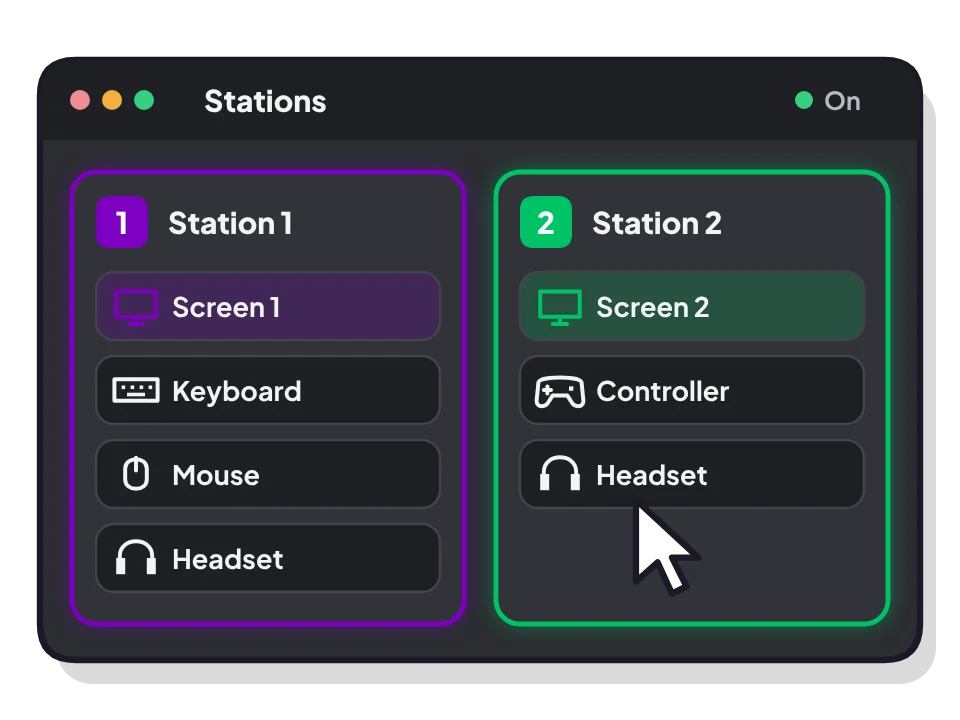
  2. The Hydra control panel: Station 1 with a screen, keyboard, mouse and headset; Station 2 with a screen, controller and headset.

    Hand out the gear

    In the Hydra control panel, give each person their screen, keyboard, mouse, controller and headset. Press a key or move a mouse and it lights up, so you always know which is which.
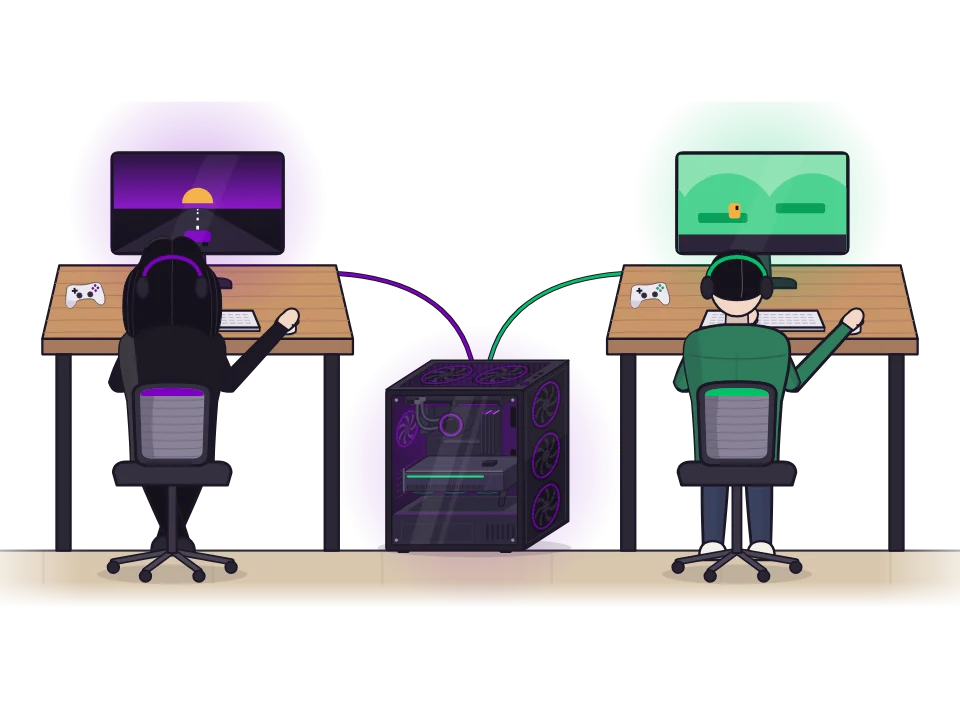
  3. Two siblings at their own stations, each playing a different game on the same PC.

    Everyone plays

    Everyone signs in to their own Windows desktop, with their own apps, games and saves, all at the same time.
Setups

Your setup, your way

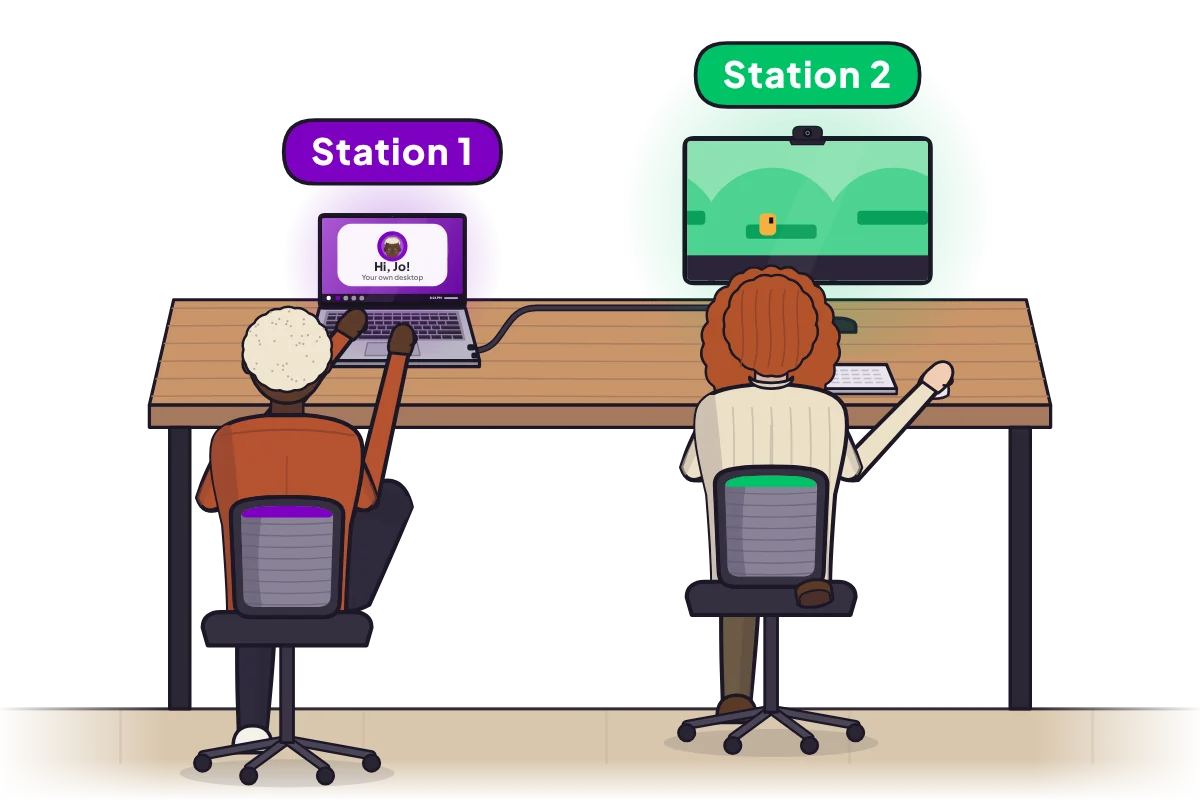
  • A couple at one desk: one works on a laptop, the other on an external monitor with a wireless keyboard and mouse.
    Laptop + monitor One on the laptop, one on the screen beside it.
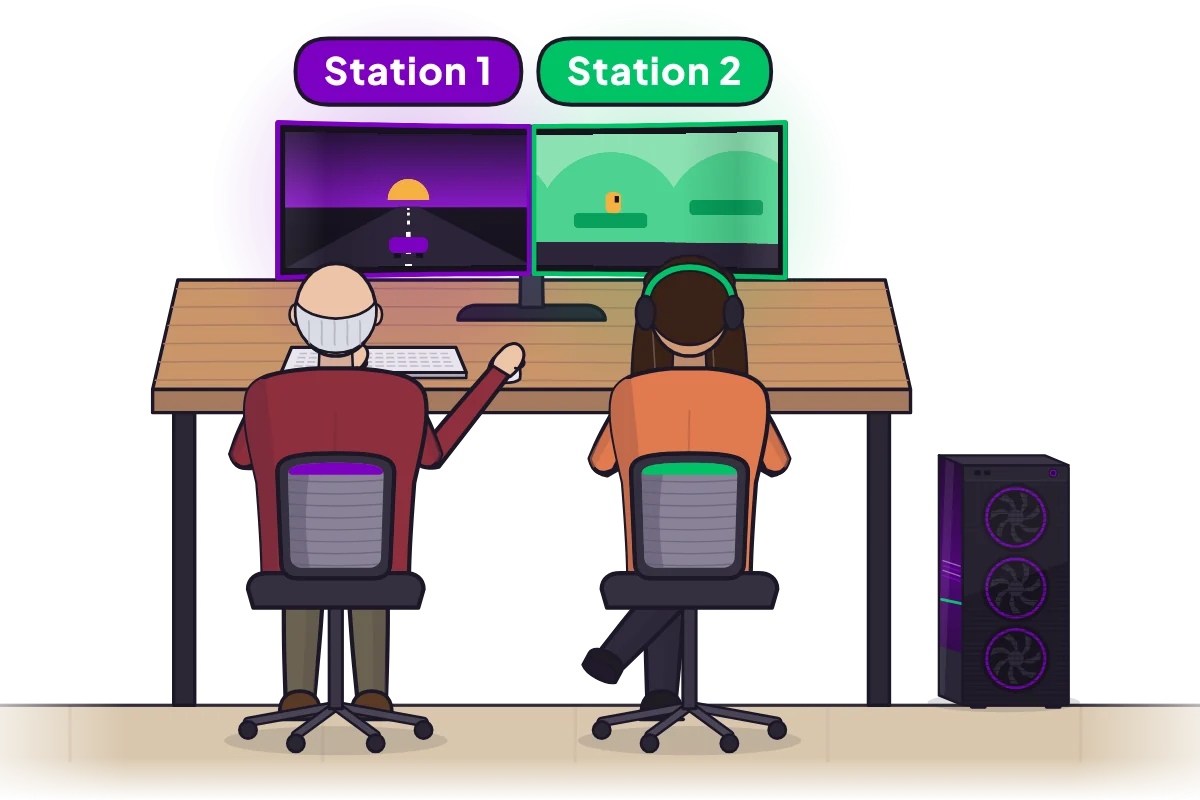
  • A couple sharing one curved super-ultrawide, split into two halves by the monitor's picture-by-picture mode.
    One ultrawide, split in two The monitor's picture-by-picture mode gives each person a 16:9 half.
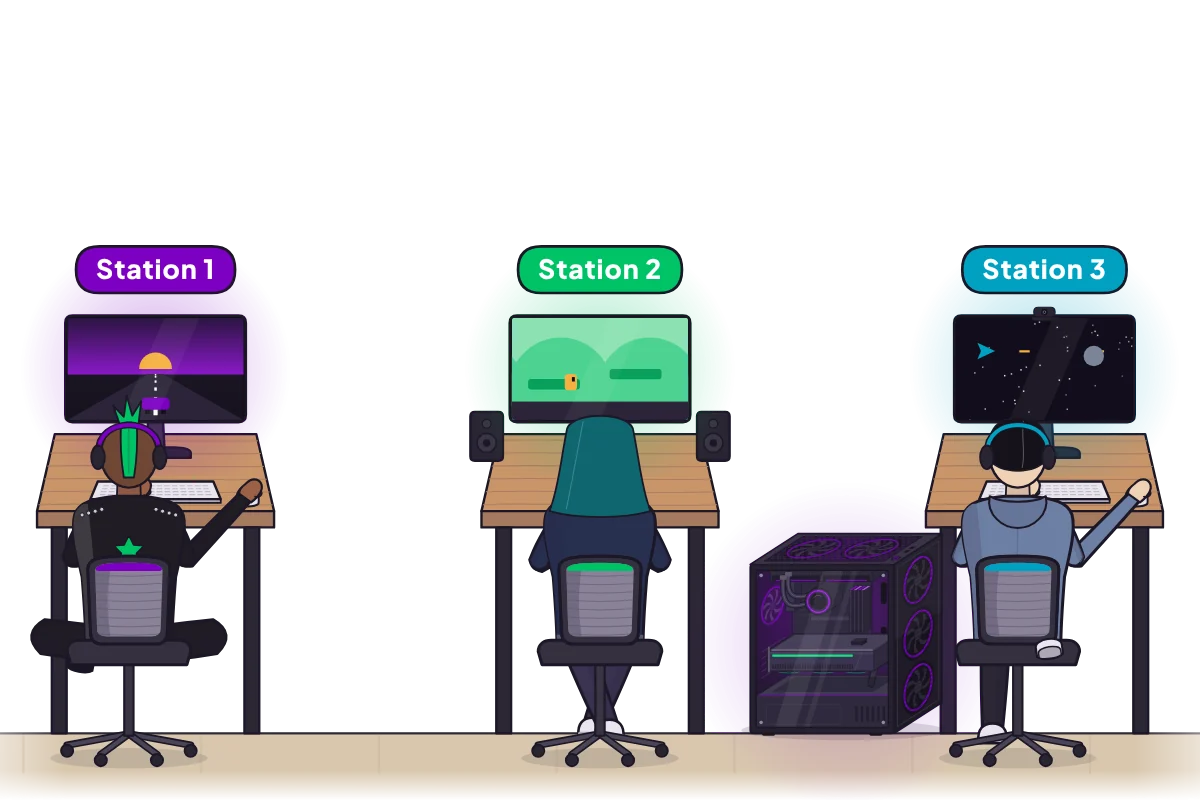
  • Three roommates at three desks, each with their own screen and gear, all running on one PC on the floor.
    Three stations, one PC A screen, a seat and their own gear for everyone.
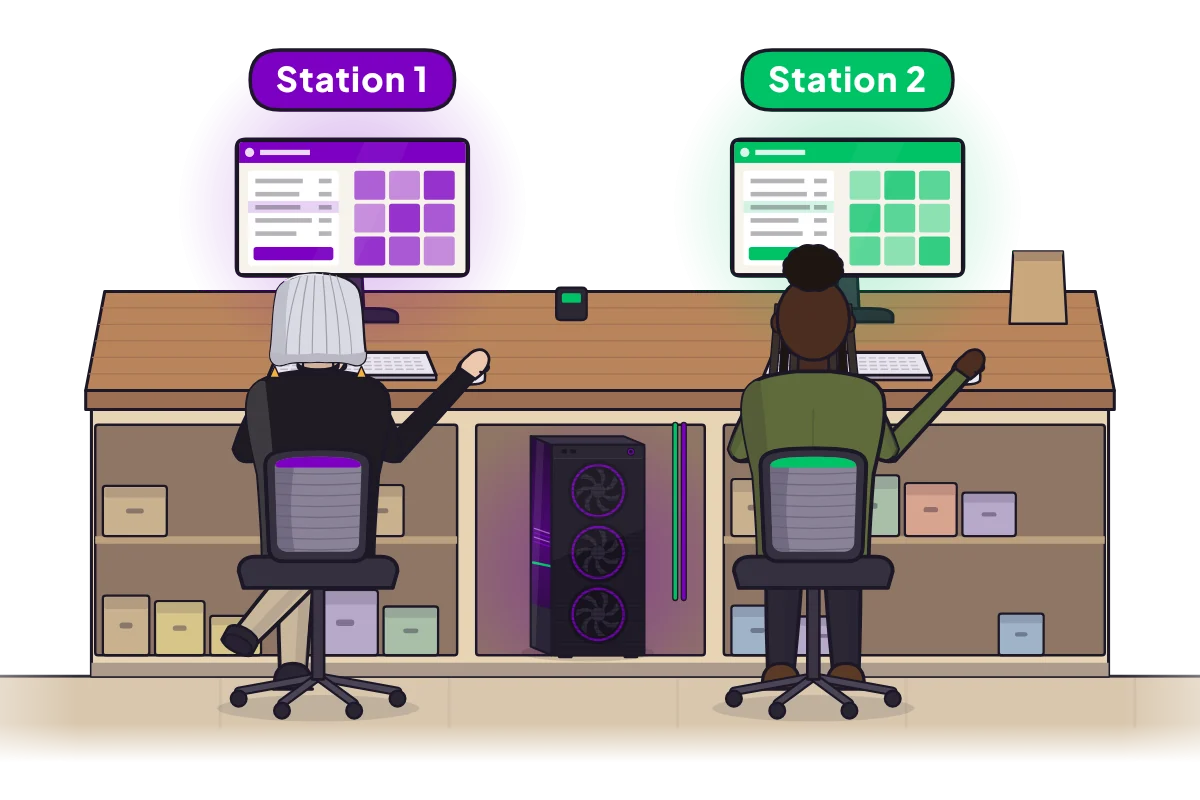
  • A shop counter with two till stations and the one PC in an open bay of the counter.
    A shop counter Two tills, with the PC tucked into the counter.
Who it's for

Made for sharing one PC

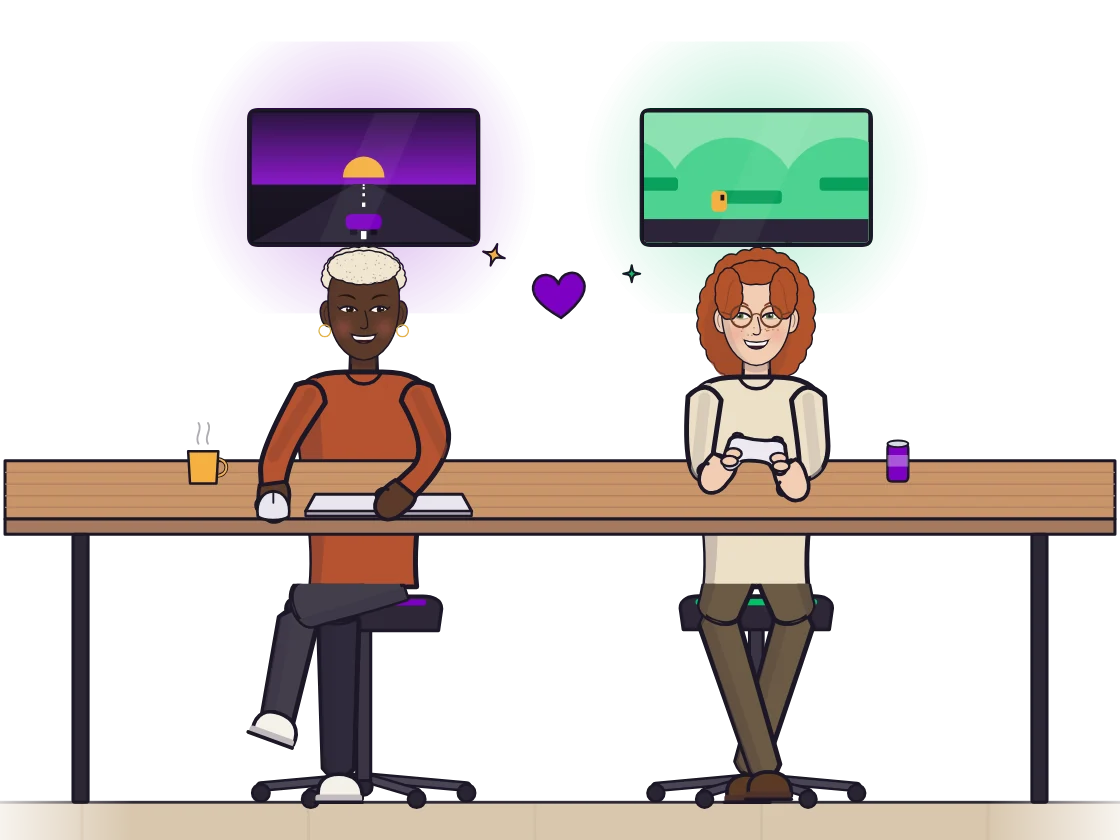
A couple at one table, each playing their own game on their own screen, sharing a laugh.

Couples

Play together instead of taking turns.
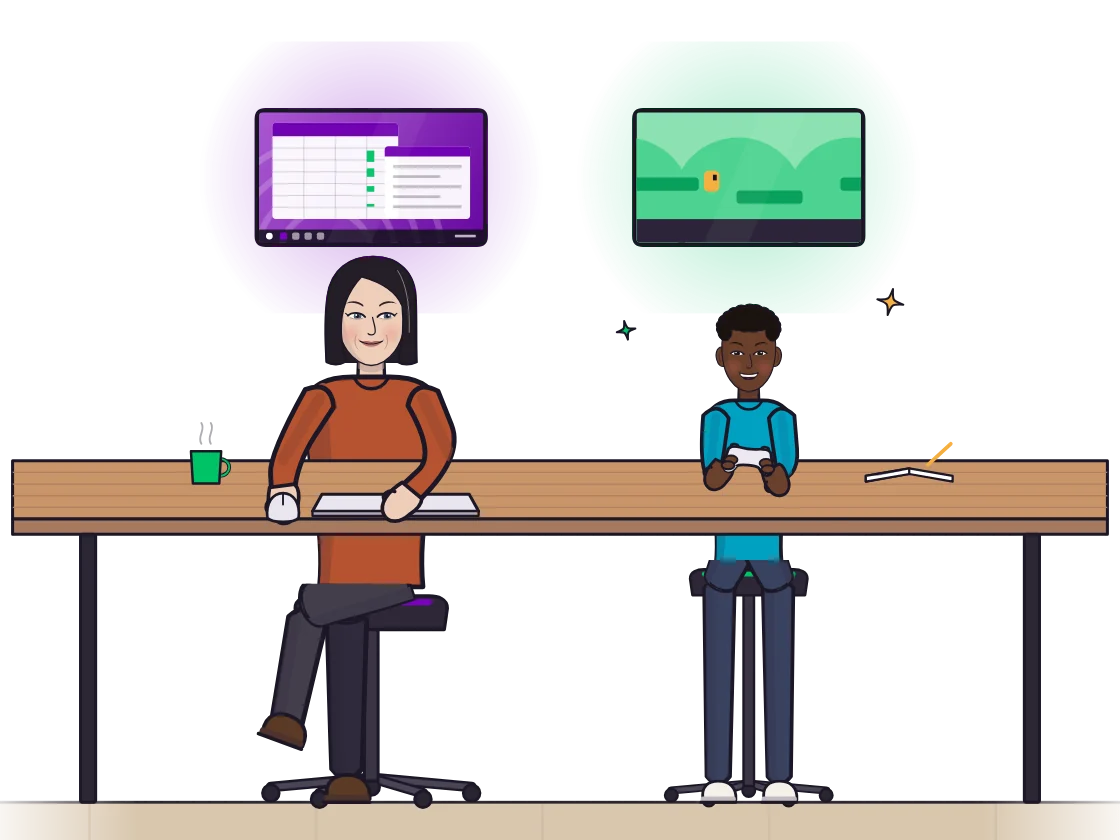
A parent working on a spreadsheet next to her young son playing a game, each on their own screen.

Families

One does homework while the other plays. No more fights over the computer.
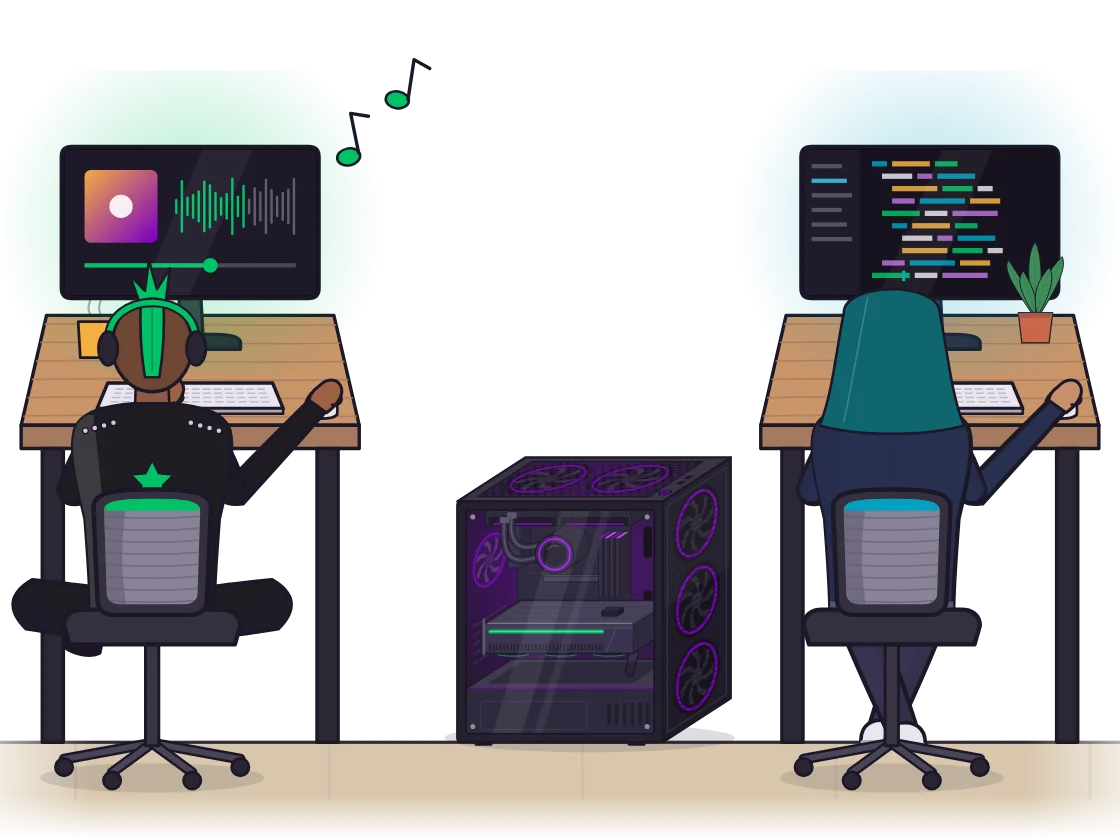
Two roommates at their own desks, one listening to music and one writing code, with one PC on the floor between them.

Roommates

Share one good PC instead of each buying your own. Everyone keeps their own desktop and files.
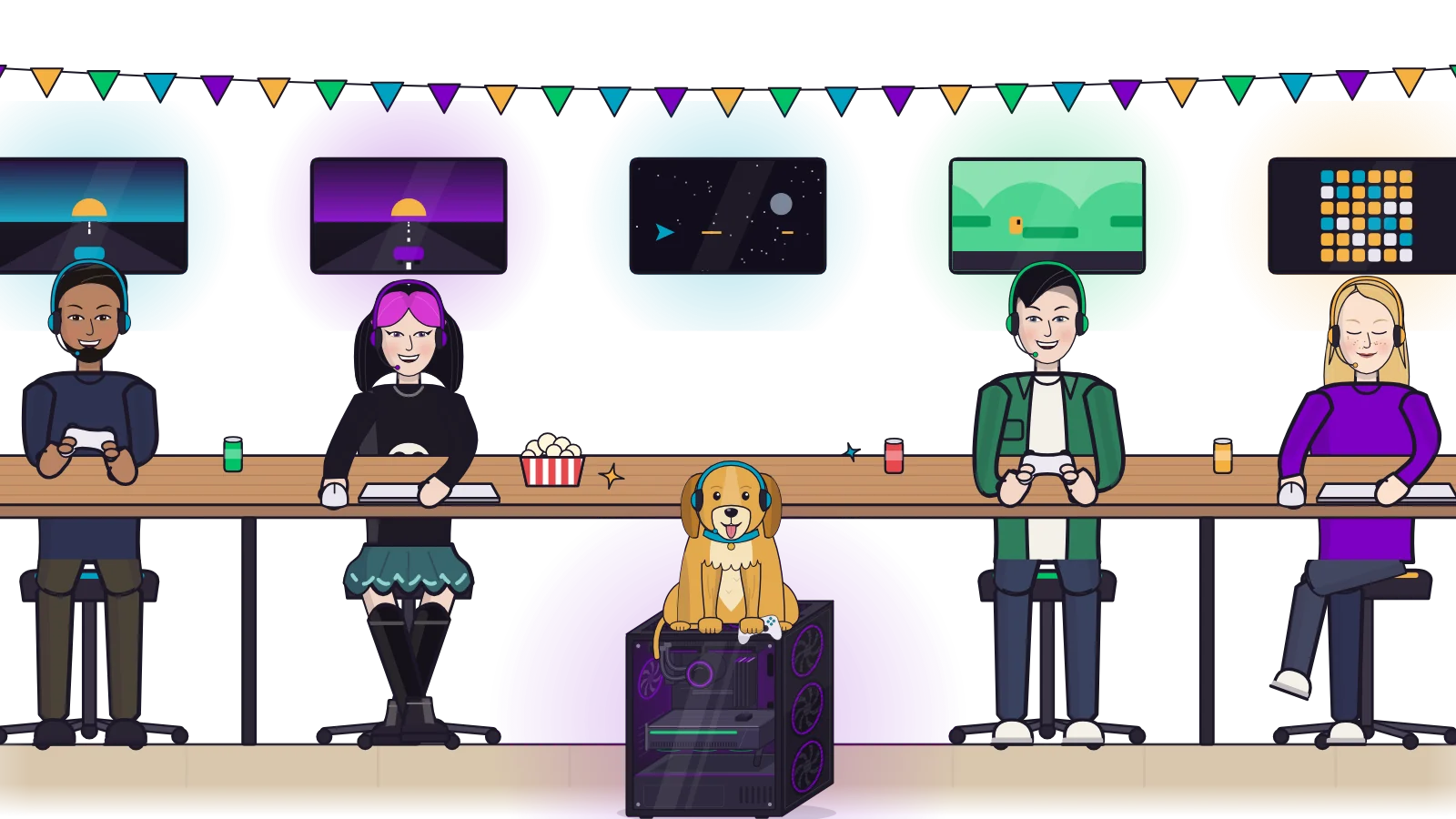
A game night: four friends at one long table, each on their own screen, and the dog sitting on the one PC in front of them.

Game nights

A screen for every player: turn one PC into a LAN party.
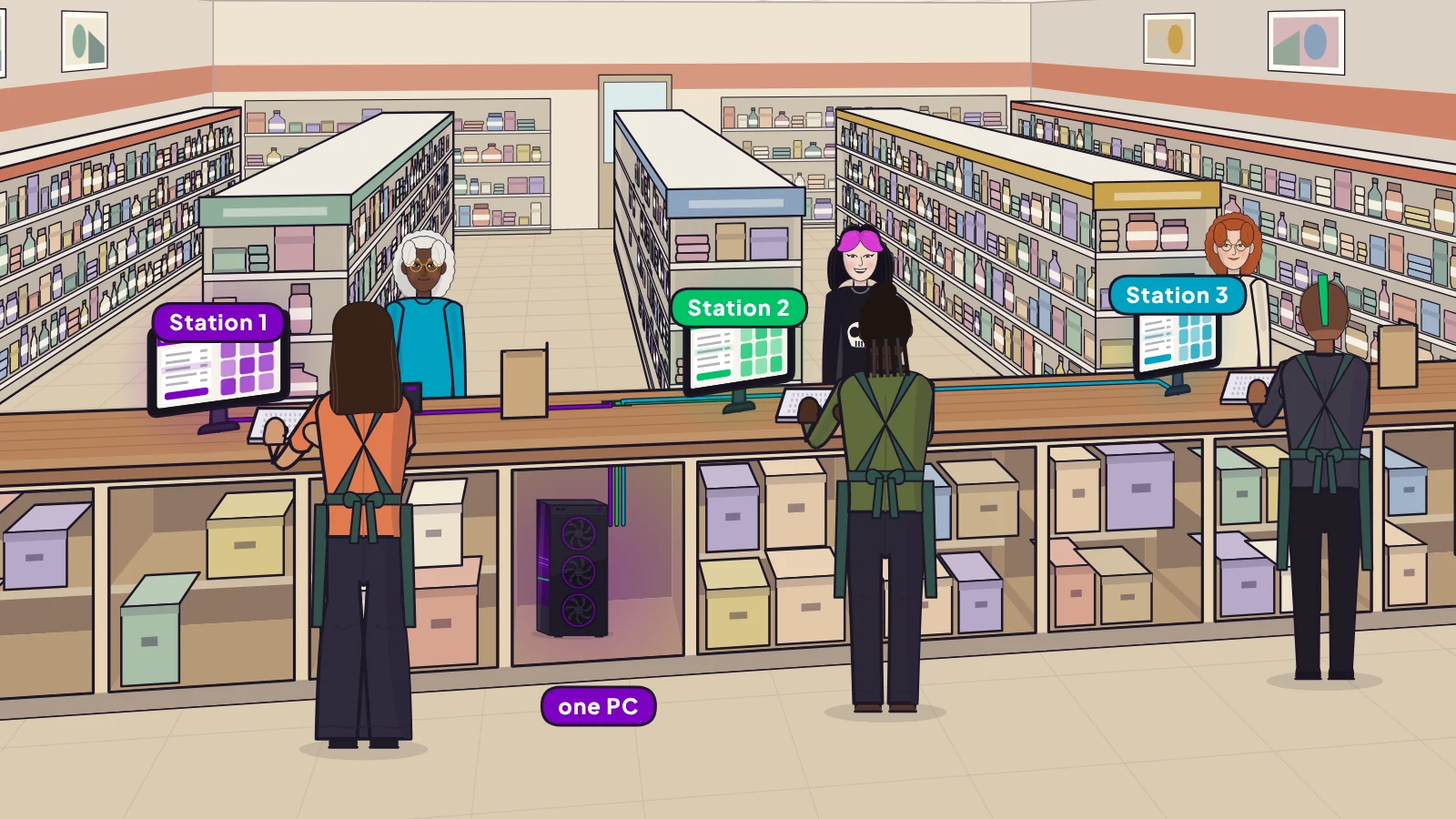
A shop with three checkout stations on one counter, all running on one PC in a bay of the counter.

Small businesses

A computer at every counter, all from one PC, for any small business.

Hydra for business
Why Hydra

Better than the usual ways to share

Instead of… With Hydra
Taking turns Somebody is always waiting. Everyone plays at the same time.
Split-screen Half a screen or one shared desktop, set up game by game, and many games won't run. A whole PC each: own screen, sign-in and games, with nothing to set up per game.
Buying another PC Another tower, another set of parts, another pile of updates. One PC for everyone.
Streaming to another device Needs a second device, and sends compressed video over your network. Every screen plugs straight into your PC.
Questions

Good to know

When can I get it?

Early access has started with a small group of testers, and the full release is planned for early 2027, for Windows PCs. Sign up and we'll email you when it's out, or apply to test it early.

Do I need a powerful PC?

No. Everyday PCs handle browsing, homework and lighter games for everyone at once. For big games on every screen, a stronger PC lets everyone play at higher settings.

Do I need a graphics card?

No special graphics hardware. Hydra shares the graphics your PC already has, whether that's built into the processor or a graphics card, across every screen. You never need a second one.

How many people can share one PC?

Two is the classic setup. Add a screen and a keyboard or controller for each extra person: three screens can be three players for a game night.

Is this split-screen?

No. Split-screen puts players in one game, or in game windows on one shared desktop, and needs setting up for each game. Hydra Multi-Seat gives each person a whole PC: their own Windows sign-in, desktop, apps and game library. Games run as they would on a PC of their own, with nothing to set up per game, and it isn't only for games: one person can work or browse while another plays.

Can we play different games at the same time?

Yes. Each person gets their own Windows desktop, so everyone runs whatever they like.

Does each person get their own Windows account?

Yes. Everyone signs in on their own, with their own apps, files, settings and saves.

Is it related to other software called Hydra?

No. Hydra Multi-Seat is its own product and isn't connected to any other app or project with "Hydra" in its name.

Do I need a monitor for every person?

One screen per person. A 32:9 super-ultrawide counts as two: split it with the monitor's picture-by-picture mode and each 16:9 half becomes a screen of its own.

Be among the first to try it

Full release in early 2027, for Windows PCs. Leave your email and we'll tell you when it's out, or apply to test it early.