
One PC for the whole family: homework, video and games at once.
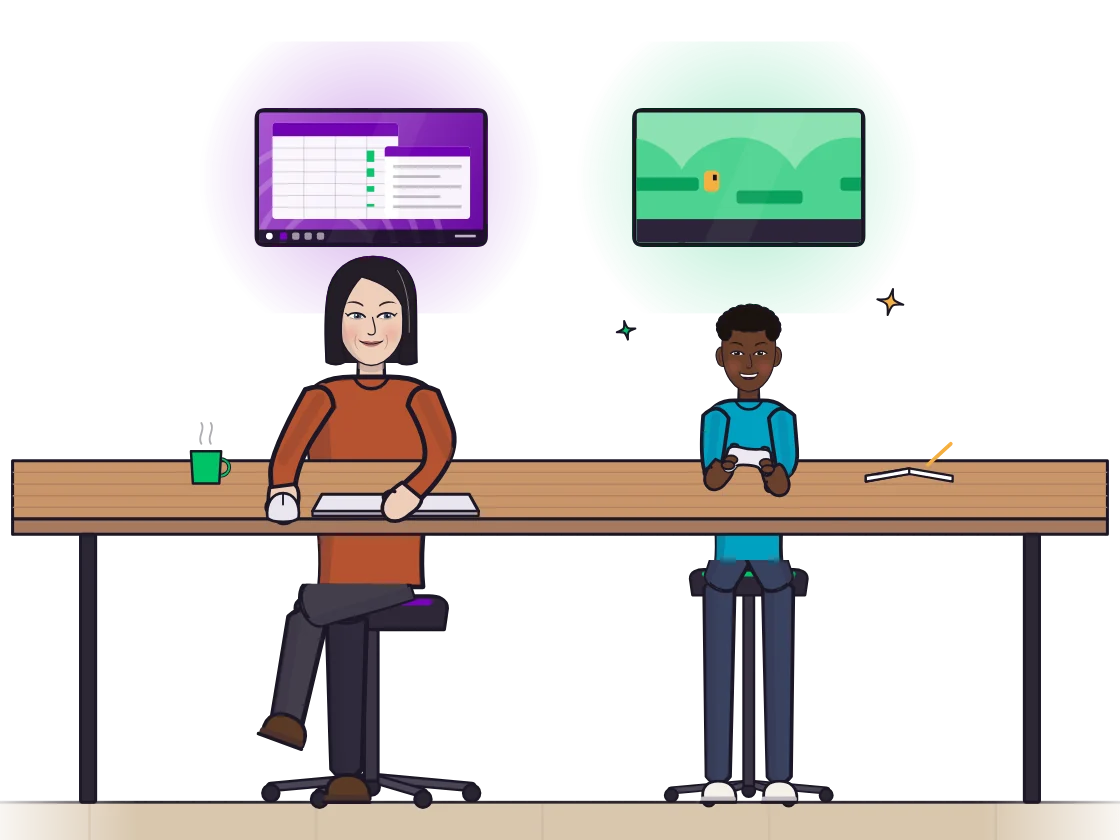
Yes, a whole family can use one Windows PC at the same time when each person has their own screen, keyboard and mouse and their own Windows account. Hydra Multi-Seat adds that to Windows 10 and 11: a parent works at one desk while a child does homework or plays at another, on the same PC.
Why one PC for the family
A family computer usually means taking turns: one person waits while another finishes. With a seat for each person your PC does the work of several. Nobody queues, and there is no second PC to buy: each person only needs a screen, keyboard and mouse, all plugged into the one PC.
What everyone in the family gets
- A screen of their own, or several, at their own desk.
- A keyboard and a mouse of their own, and a game controller if they like. Each controller can be given to a seat.
- Their own sound. A headset or speakers per seat, with a volume that changes only that seat.
- Their own Windows account. Their own desktop, apps, files and saves, so one person's windows never show up on another's screen.
It is not split-screen: each person has a whole screen and a whole PC to themselves, not half of one.
A normal evening
A child finishes homework on one screen while a parent answers email at the next desk. Later the homework closes and a game opens, and the parent keeps working undisturbed. Nothing is streamed: every screen runs straight from the PC's graphics card at full speed, and office work and video need little.
What you need
- Windows 10 and 11 (x64).
- A graphics card from NVIDIA, AMD or Intel.
- For each person, a screen, a keyboard and a mouse.
- Game controllers, headsets and webcams work too: give each seat its own.
You do not need a second PC. Two desks is the classic setup, and a third or fourth seat works the same way.
Setting it up in three steps
- Install Hydra on the family PC like any Windows app, then plug in a screen, keyboard and mouse for each person.
- In the Hydra panel, give each seat its screen, keyboard, mouse and sound. Press a key and it lights up, so you know whose it is.
- Everyone signs in to their own Windows account, all at the same time.
Changing it as the family changes
Add a seat when someone new needs one, or move a screen from one seat to another, right in the panel while everyone keeps working. You can name and colour each seat so everyone knows which one is theirs.
Start the free 7-day trial, every feature included, and see it on your own PC. One license covers every seat, so a third or fourth person costs nothing extra: see the pricing page.
Next: the wiring and the panel in two monitors, keyboards and mice for two users, game night in couch co-op on PC, or the plain definition in what multiseat is. Two adults? Read share one PC with your partner.
Questions people ask
Can a whole family use one computer at the same time?
Yes. With Hydra Multi-Seat each person gets their own screen, keyboard, mouse, sound and Windows account on the one PC, so everyone can use it at once.
Can one person do homework while another plays a game?
Yes. Everyone runs whatever they like on their own desktop, at the same time.
Does everyone need their own Windows account?
Each person signs in to a Windows account of their own, with their own desktop, apps, files and saves, so nobody sees the other's windows.
Can each person listen without disturbing the others?
Yes. Every seat has its own sound through its own headset or speakers, and the usual Windows volume slider changes only that seat.
How many people can share the family PC?
Two, three or more. Add a screen, a keyboard and a mouse for each extra person and give them a seat.
Do we pay per family member?
No. One license covers every seat on the PC.
Try Hydra Multi-Seat on your own PC.
Every feature is free for 7 days. After that you pay monthly, yearly, or once for a lifetime license at the launch price. One license covers every seat on the PC, so you never pay per seat. The pricing page shows the prices in your currency.
DownloadMore to read
- Why Hydra: what each seat gets, and how it differs from the other ways to share a PC
- Pricing: monthly, 1-year and lifetime, with the free trial
- Questions: what a PC needs, and what to expect
- Safety: how it keeps your PC safe, and how to turn it off
- Two people, one PC at the same time
- Two gamers, one PC
- Two Steam accounts on one PC at the same time
- What is multiseat on Windows?
- Two monitors, keyboards and mice for two users on one PC
- Share one PC with your partner
- All guides
Last updated 1 November 2026.